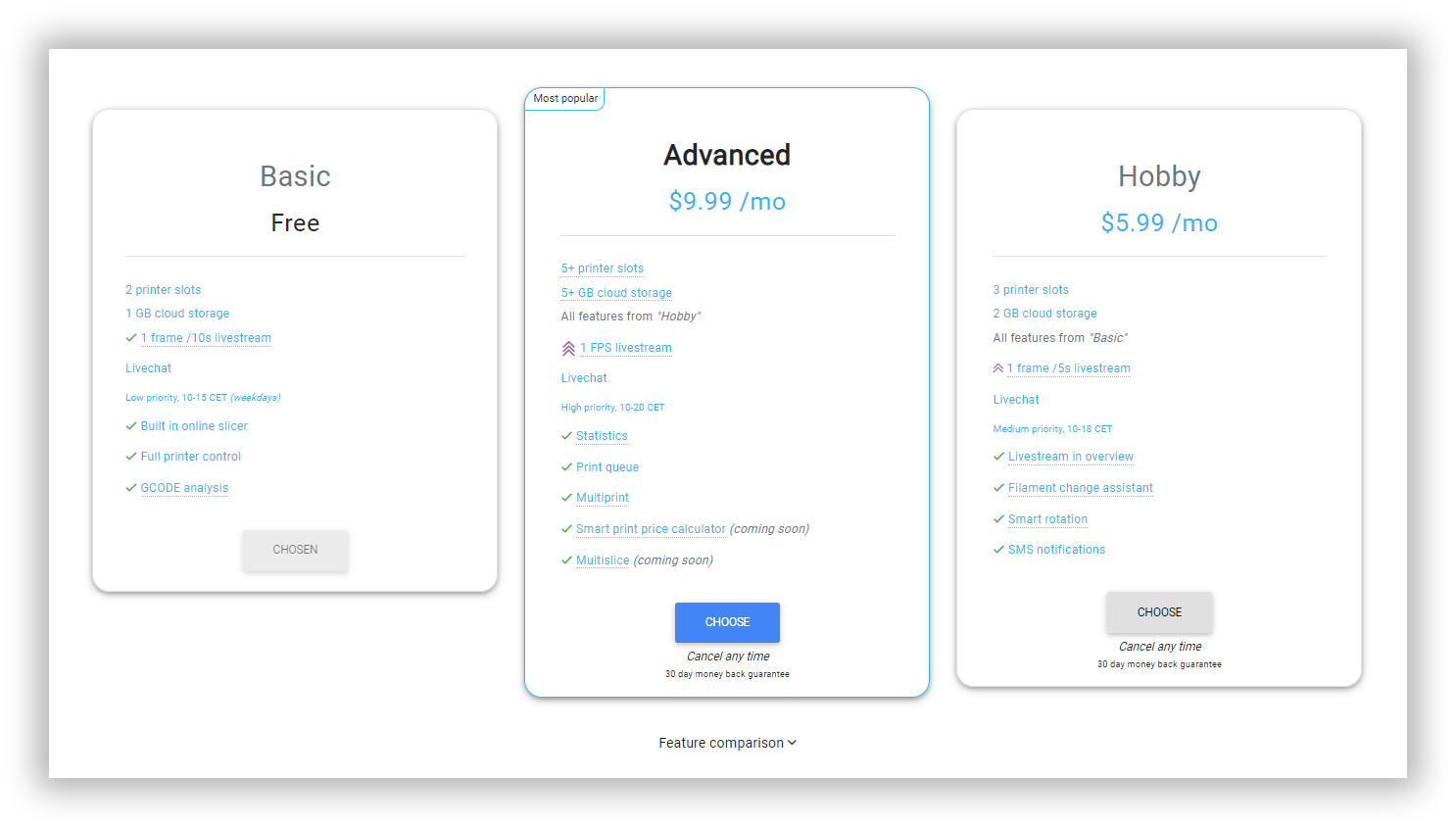
How do I upgrade my subscription plan?
Written By Albert Møller Nielsen
Last updated 4 months ago
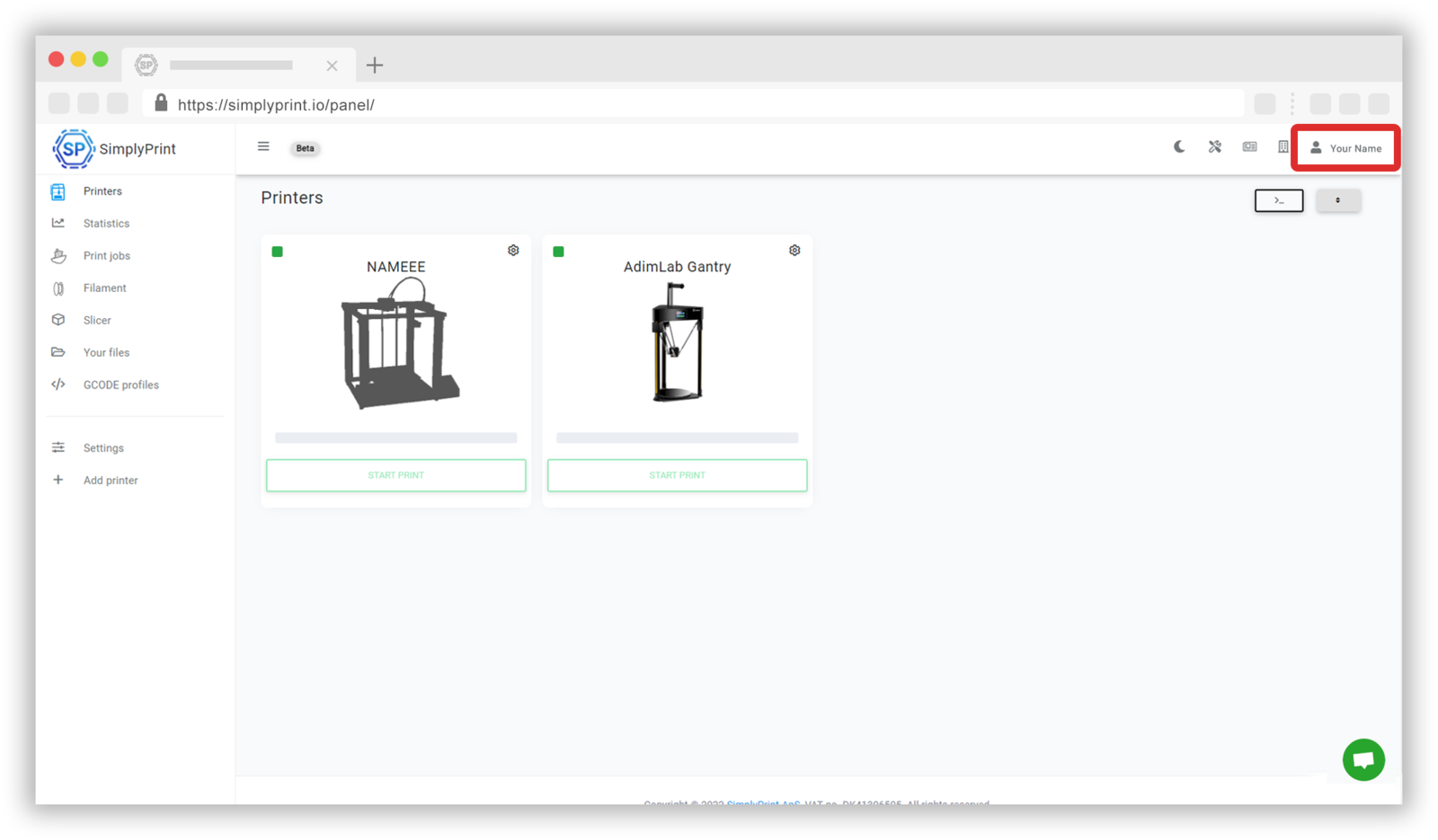
Go to the SimplyPrint panel
In order to upgrade your subscription plan, you'll have to start by going to the SimplyPrint panel. At the panel you can find the 'Your account' button which is located in the dropdown menu under your name in the top right corner.
Upgrading your subscription plan
When you have entered the site for your account, it will be possible to upgrade your subscription plan. Press the 'Your subscription' button to go to these settings.

Once at these settings, it will be possible to change your subscription plan and even compare the different option. Further feature comparisons can be shown when the dropdown menu underneath is pressed.